How it
works
Four steps for the teacher. For the student — just one: open the link.
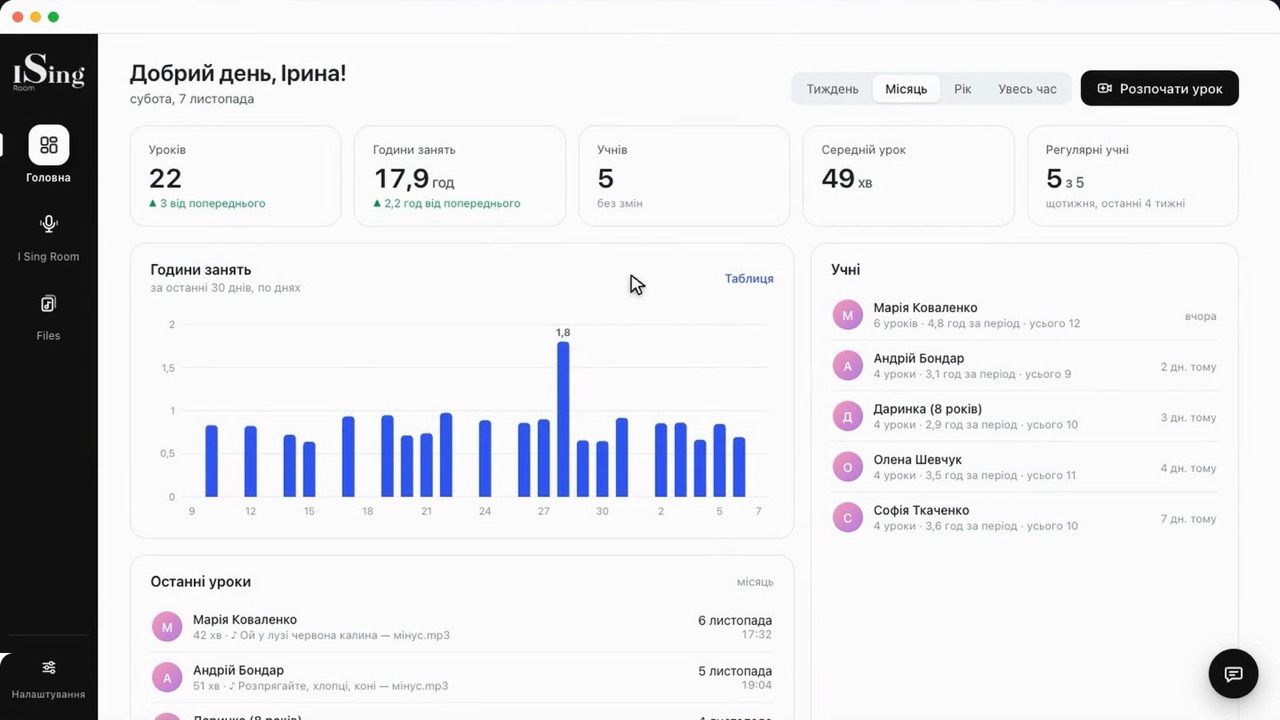
Sign in to the dashboard
The teacher signs in on this site and lands in their dashboard with lessons, students, files and settings.
Student link
Copy the link to your room — it’s permanent, the same for every lesson. Send it to the student once.
…/?room=vika-vocalThe student opens it
The student follows the link in a browser, enters their name and allows the camera and microphone. No sign-up, no payment.
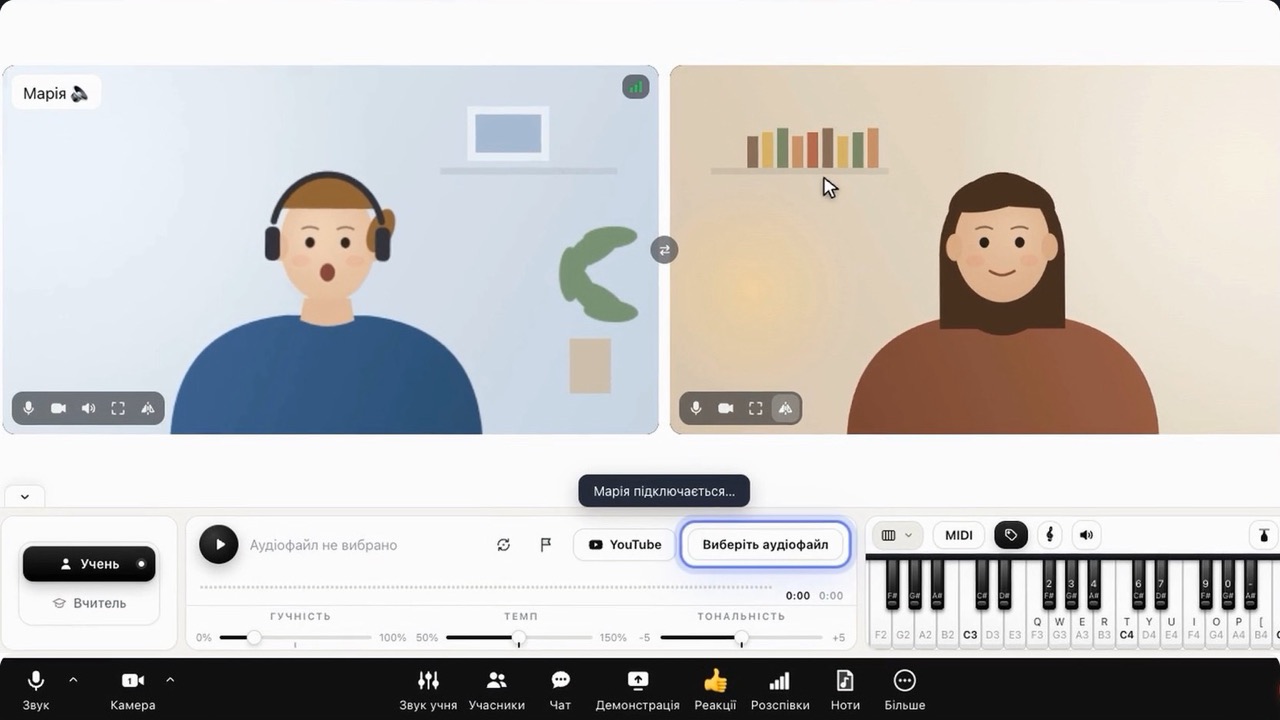
Lesson
Video, backing track, piano, sheet music and voice analysis — in sync for both of you. After the lesson — stats in the dashboard.
Nothing special — just what everyone who does music online already has at home.
Browser
Chrome, Safari or Edge — on a computer, tablet or phone.
Headphones
For clean sound without echo cancellation. Works with speakers too.
Camera and microphone
Built-in ones are enough; an external microphone sounds even better.
Internet
A regular home connection. Some networks block video? A relay server in the settings will help.
Check all of this in a minute — and send the link to the student before the first lesson.
Tech check →